If the TikTok Save Video button is missing, greyed out, or not doing anything, the video is not always broken. Most of the time, TikTok is either hiding the native download option because of the creator's settings, the post is not publicly available, the account or device has a temporary app issue, or you are looking at a post type that behaves differently from a normal video.
This guide focuses on the in-app Save Video option inside TikTok. It is different from a TikTok downloader error. If ClipTool itself fails on a link, use the separate TikTok downloader not working checklist. If you simply want to save a supported public video, start from the TikTok downloader without watermark. Here, we will work backward from the missing TikTok button so you know what is happening before you try another workflow.
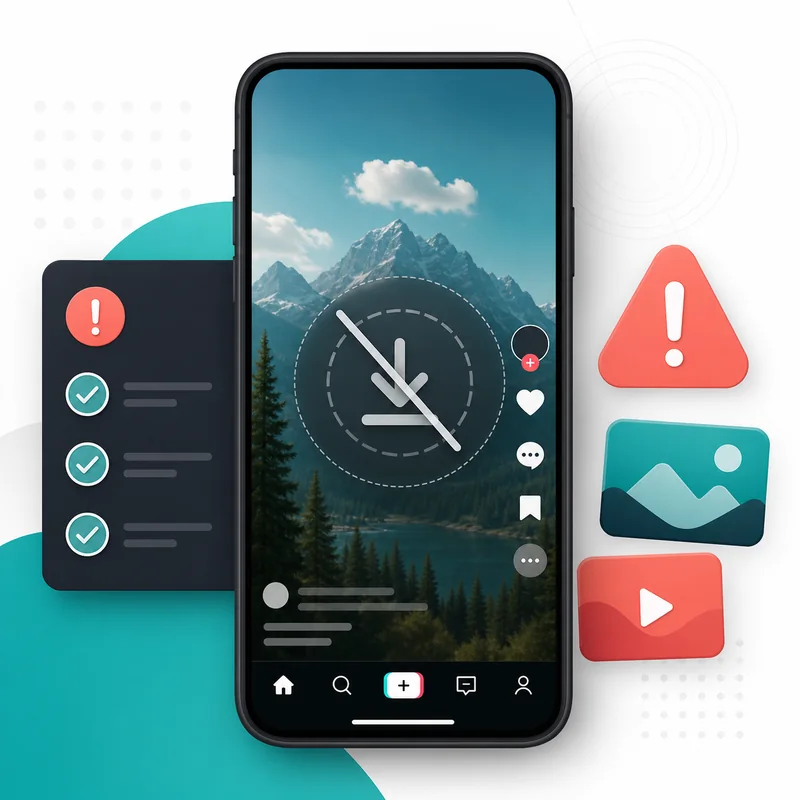
Quick answer: why the Save Video button disappears
The most common reason is simple: the creator did not allow video downloads. TikTok lets creators and accounts control whether other people can download their videos, and TikTok's own support explains that videos can only be downloaded when downloads are available for that video and account. When the native option is disabled, you may still see Share, Copy Link, Favorite, or other actions, but Save Video will be gone or unavailable.
Other causes are also possible. The video may be private, friends-only, deleted, age-restricted, region-limited, still processing, or packaged as a photo post instead of a standard video. Sometimes the problem is local: an old TikTok app version, a stale cache, a weak connection, or an in-app browser that does not show the same menu as the main app. The right fix depends on which cause is true.
7 fixes to try before you give up
| Issue | What to check | Best next step |
|---|---|---|
| Creator disabled downloads | No Save Video option appears in TikTok | Use only permitted public-link workflows |
| Private or restricted post | Video does not open normally in a browser | Do not look for a bypass |
| App menu glitch | Button appears for some videos but not others | Update TikTok and reopen the video |
| Wrong post type | Post is a photo carousel or slideshow | Use the photo downloader flow instead |
1. Check whether the creator allows downloads
TikTok's native Save Video button depends heavily on permissions. A creator can publish a public video while still turning off downloads. That means you might be allowed to watch, like, comment, and share the post, but not save it directly from TikTok. This is not a bug in your phone. It is a download setting.
If the post is not yours, respect that setting. You can still copy the public link for reference, ask the creator for permission, or use the video in ways allowed by the platform. Be careful with tools that promise to unlock private or disabled content by asking for your TikTok login. ClipTool does not need your TikTok password and is designed around public links.
2. Make sure the video is actually public
A video can look available inside the app but fail outside of it. For example, a link may come from a friend-only video, a region-limited post, an account that changed privacy, or a video that was removed after the link was shared. The clean test is to open the link in a normal browser such as Chrome, Safari, or Edge while logged out or in a private window.
If the browser cannot access the post, a downloader should not be expected to access it either. For your own content, check your original export, camera roll, cloud backup, or editor project. The guide on downloading your own TikTok videos without watermark explains the difference between public posts, drafts, private posts, and creator backups in more detail.
3. Copy a fresh link from the Share menu
Sometimes the missing button sends people into the wrong workflow. They copy a chat preview, a shortened message URL, a search result, or a link that was already wrapped by another app. If you want to test the public-link route, open the TikTok post, tap Share, and choose Copy link again. On desktop, open the post page and copy the URL from the browser address bar.
Then paste that link into the main TikTok downloader or the TikTok to MP4 converter. If ClipTool can read a supported public source, it will show the available output. If only one specific link fails while other public links work, the issue is probably the original post, not your device.
4. Update TikTok and restart the app
App menus change often. A button can move, disappear temporarily, or behave differently between app versions. Before assuming the video is blocked, update TikTok from the App Store or Google Play, close the app fully, and open the video again. If you are using a very old phone or operating system, try opening the same public link on another device or on desktop.
Also check your network. A poor connection can make TikTok load only part of the share menu. Turn Wi-Fi off and on, switch networks, or retry without VPN. These fixes are basic, but they prevent you from chasing a download problem when the app simply did not load the menu correctly.
5. Look in the right place on iPhone and Android
On iPhone, TikTok and Safari do not always save files to the same place. TikTok's own Save Video option usually goes to Photos when it is available, while browser downloads may land in Files first. If you use ClipTool on iPhone, check Safari's download arrow and the Files app before assuming the video failed. The TikTok downloader for iPhone guide walks through the Files-to-Photos flow.
On Android, check Downloads, My Files, Files by Google, or Gallery. Some gallery apps do not refresh immediately, especially if the file was downloaded through a browser. If the file exists in Downloads but not Gallery, move it to Movies or Pictures, then reopen your gallery app. The Android TikTok downloader page covers common save locations.
6. Check whether the post is a photo slideshow
Some TikTok posts look like videos because they have music and movement, but they are really photo carousels or slideshows. In those cases, a normal Save Video expectation can be misleading. The better output may be individual images or a ZIP package, not a single MP4. If you can swipe through separate images, use the TikTok photo downloader instead of forcing a video workflow.
If you need a video-style file from a slideshow, you may need to create one in an editor after saving the images. That is different from downloading a native MP4. Choosing the right content type saves time and keeps your files organized.
7. Use a public-link downloader only when it fits
ClipTool can help when you have a public TikTok link and TikTok exposes a supported media source. Paste the link, wait for the result, and save the MP4 option when it appears. This is useful when the in-app Save Video option is missing but the public post is still accessible and you have a legitimate reason to keep a copy.
ClipTool cannot download drafts, unlock private videos, restore deleted posts, or bypass account privacy. That boundary is important. A safe downloader should not ask for your TikTok password, QR login, cookies, or browser extension permissions just to save a public video. If a site claims it can bypass every restriction, treat that as a security warning.
Safe-use checklist
- Use public TikTok links only.
- Respect creators who turn off downloads.
- Do not enter your TikTok password into downloader sites.
- Copy the link directly from TikTok before testing another workflow.
- Check whether the post is a video, photo carousel, or slideshow.
- Keep your own master exports before posting whenever possible.
What if the video is yours?
If the video belongs to you, the best fix is still to start with your original file. Check your camera roll, CapCut exports, cloud storage, desktop project folder, or the device where the draft was made. A clean master export is more reliable than any recovery workflow because it exists before TikTok compresses, publishes, restricts, or removes the post.
If the video is already public on your profile, copy its public link and use a normal MP4 workflow. If it is still a draft, remember that drafts do not behave like public URLs. They usually live inside the TikTok app on one device. Before deleting the app, changing phones, clearing app data, or sending a device for repair, export important drafts first. For creator work, a simple folder system with raw clips, final exports, captions, and posted links will save more time than trying to solve every missing button later.
When to stop troubleshooting
After you have checked download settings, copied a fresh public link, tested a normal browser, updated the app, and confirmed the post type, more refreshing rarely changes the result. If the creator disabled downloads or the post is not publicly accessible, switch workflows instead of chasing a hidden button. Ask for permission, use your own source file, or save a supported public link with a tool that does not ask for risky account access.
FAQ
Why is the TikTok Save Video button missing?
The most common reason is that the creator or account settings do not allow downloads for that video. It can also happen with private, deleted, restricted, or unsupported posts.
Does a missing Save Video button mean the video is private?
Not always. A video can be public for viewing but still have downloads disabled. Test the link in a normal browser to see whether the post itself is publicly accessible.
Can ClipTool save a video when TikTok's button is gone?
Sometimes, if the post is public and a supported source is available. Paste the public link into ClipTool. If the post is private, deleted, or restricted, ClipTool should not be used as a bypass.
Why can I save some TikTok videos but not others?
Different creators, accounts, regions, and post types can have different download settings. The Save Video option is not guaranteed on every TikTok post.
Where does the saved file go on my phone?
TikTok's native Save Video usually saves to Photos or Gallery. Browser downloads may go to Files on iPhone or Downloads on Android before they appear in your media app.
Need to save a supported public video? Open ClipTool's how-to-save guide or paste the link into the no-watermark TikTok downloader and keep the workflow simple.
![How to Vet a TikTok Influencer Before a Brand Collaboration [2026]](/_next/image?url=https%3A%2F%2Fr2.cliptool.app%2Fblog-thumbnails%2Fhow-to-vet-tiktok-influencer_800.webp&w=828&q=75)
![How to Analyze a Competitor’s TikTok Account: 30-Video Audit [2026]](/_next/image?url=https%3A%2F%2Fr2.cliptool.app%2Fblog-thumbnails%2Fhow-to-analyze-tiktok-competitors_800.webp&w=828&q=75)
![How to Find Top-Performing Videos on Any TikTok Account [2026]](/_next/image?url=https%3A%2F%2Fr2.cliptool.app%2Fblog-thumbnails%2Ffind-top-performing-videos-tiktok-account_800.webp&w=828&q=75)